
Drawing Carnival: Creative Art for Kids
Overview
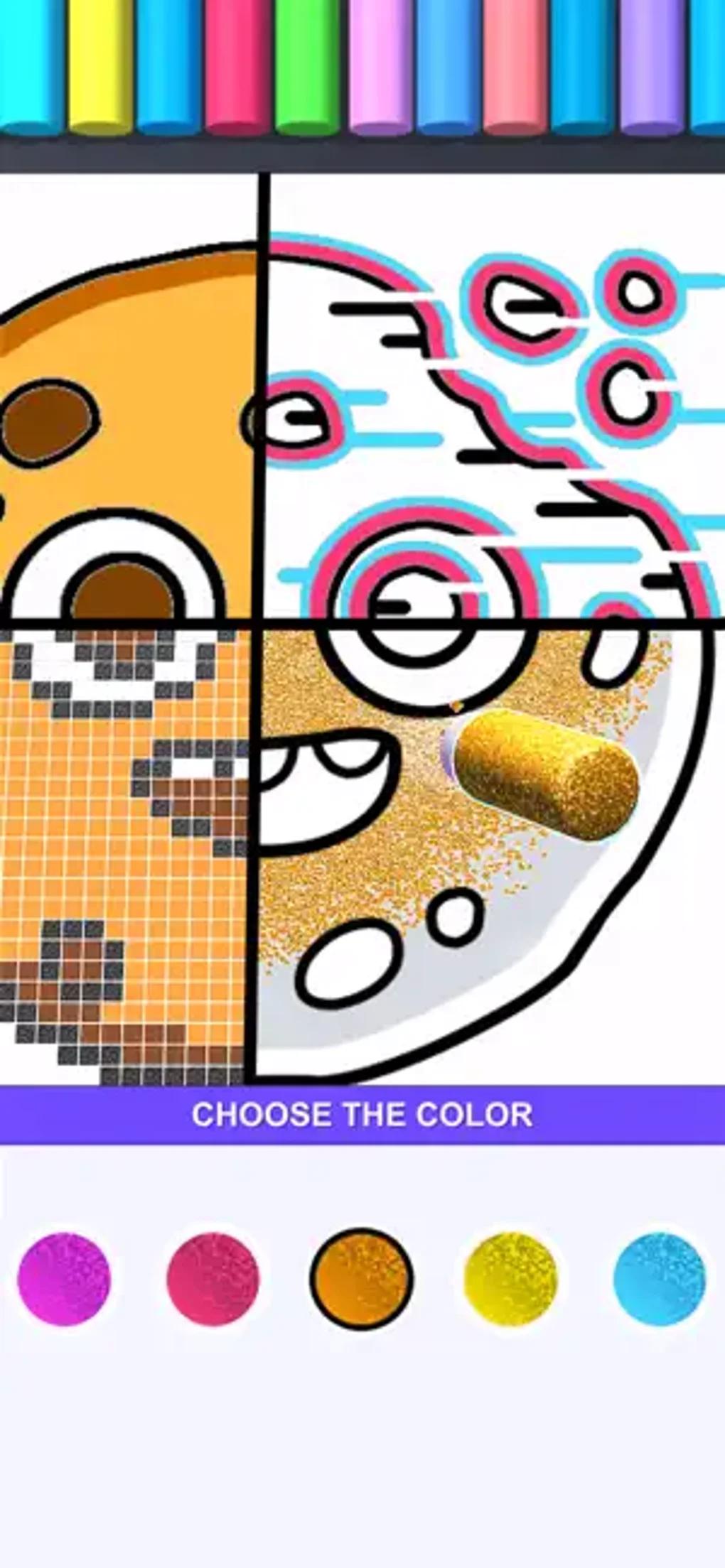
Drawing Carnival is a free simulation application designed to introduce children to the fundamentals of drawing and coloring through playful, interactive experiences. The software serves as an educational tool that supports early artistic development by offering a variety of art forms, including painting, stencil, diamond, powder, neon, and more. Its primary purpose is to help kids explore creative expression in a structured yet fun environment.
The app is ideal for young learners aged 5 to 12 who are beginning their journey in visual arts, whether at home or in classroom settings. With its intuitive interface and guided tutorials, the software enables independent use, reducing the need for adult supervision during sessions. Real-world usage scenarios include home-based learning, after-school creative activities, and classroom art projects.
The developer, DrawFun Games, has focused on creating a safe, engaging space where children can experiment with different drawing styles such as cartoons, horror, and drip art. While no additional details about the developer’s background are available, the app’s design reflects a clear commitment to educational engagement through gamified learning.
Key Features & Capabilities
- Multiple Art Forms – Children can explore various creative styles including painting, stencil, diamond, powder, neon, and drip art, each offering unique visual effects and techniques.
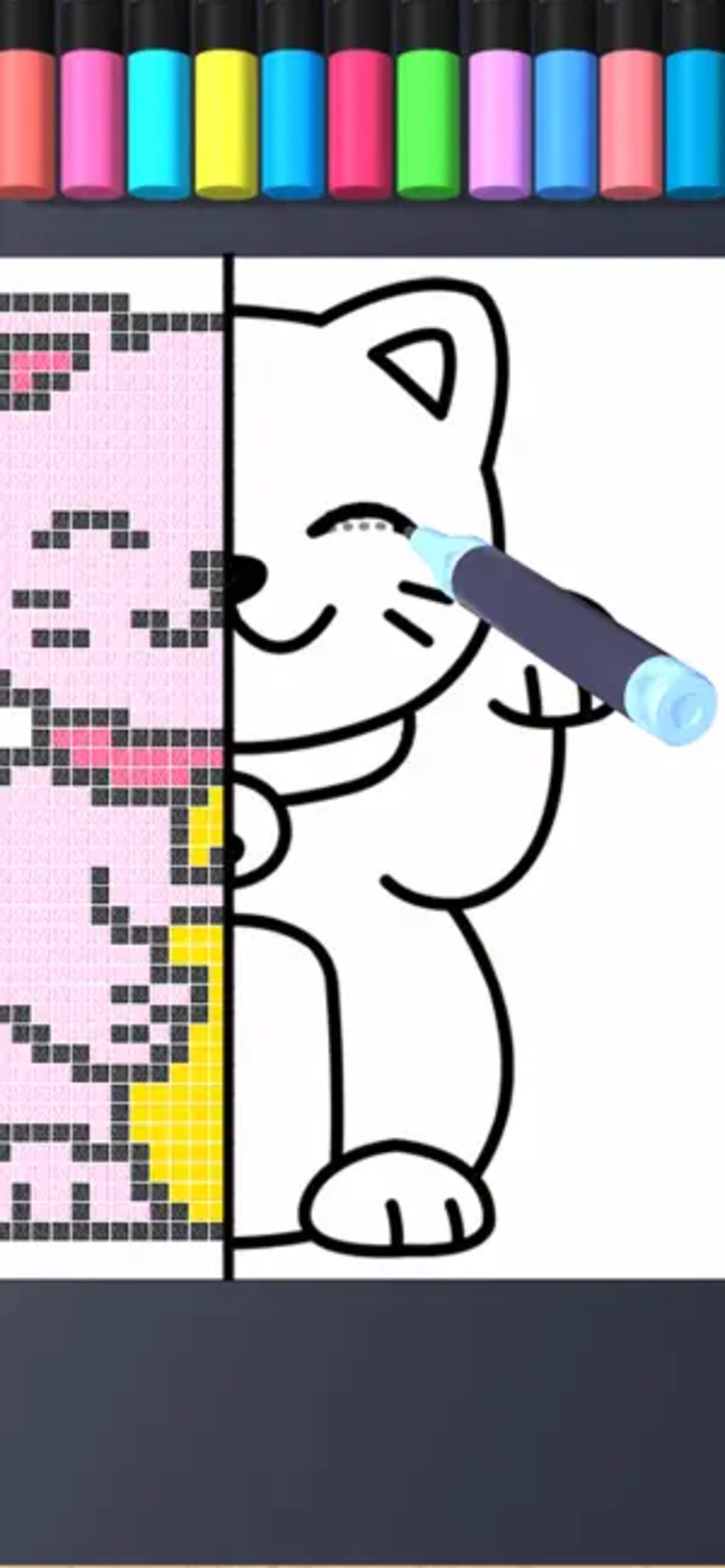
- Interactive Drawing Mechanics – Users trace outlines using broken lines or finger tracing, then color within the lines, supporting motor skill development and hand-eye coordination.
- Progressive Unlock System – Initial access is limited to Painting mode; other categories require leveling up within the game to unlock, promoting sustained engagement.
- Optional Ad-Based Access – Users can watch ads to temporarily access additional art modes, though these are not permanently unlocked.
- Guided Tutorials – A built-in tutorial helps children understand tools and processes, enabling independent navigation and learning.
- Themed Art Projects – The app includes fun, age-appropriate images that make drawing and coloring enjoyable and visually stimulating.
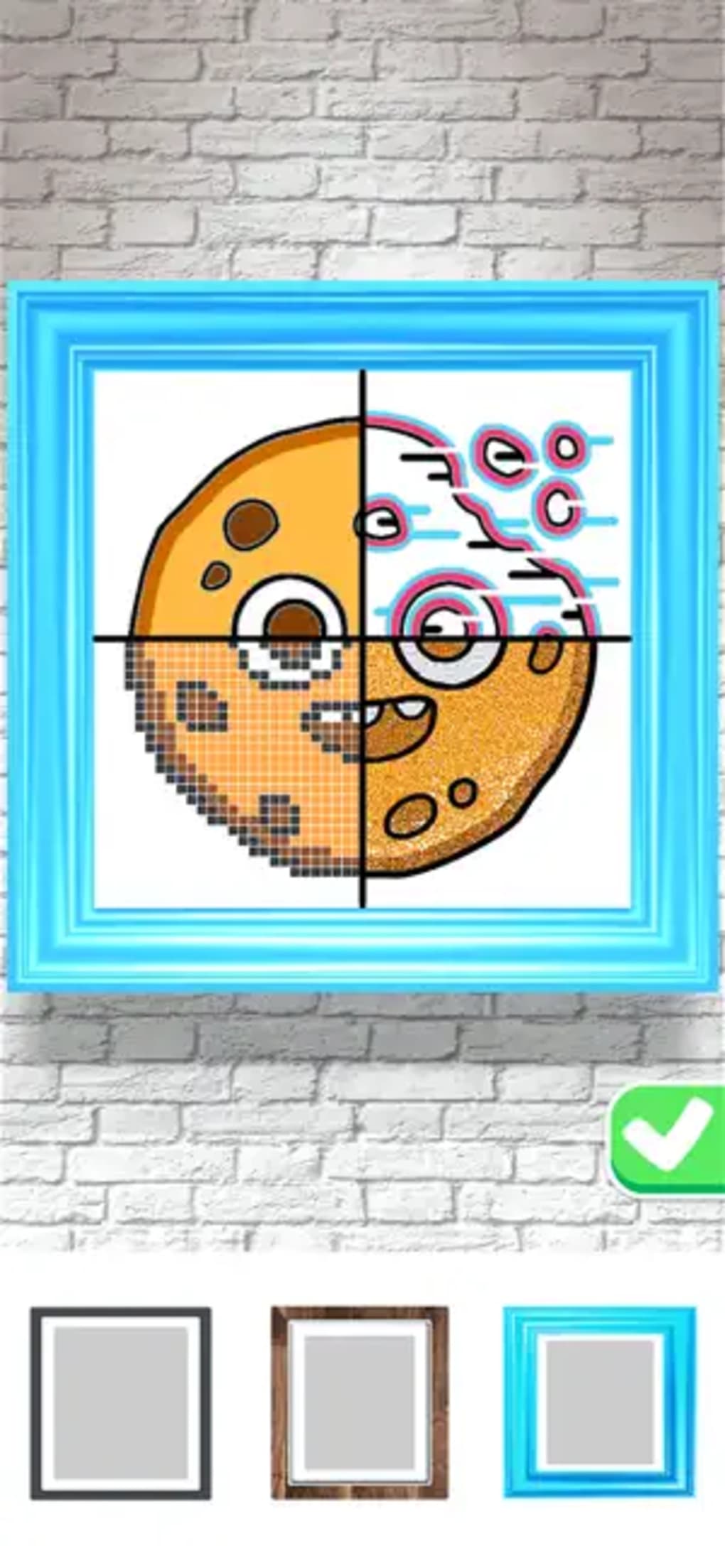
These features support creative exploration and skill-building in a low-pressure environment. For example, tracing outlines enhances precision, while experimenting with color and texture in modes like Neon and Powder encourages sensory engagement. The Diamond mode stands out by allowing users to progress beyond coloring into framing and auctioning the final artwork, introducing basic concepts of presentation and value. However, most modes remain confined to the coloring phase, limiting full creative progression.
User Interface, Workflow & Performance
The user interface of Drawing Carnival is designed with simplicity and clarity in mind, making it accessible to young users. Navigation is straightforward, with clearly labeled categories and visual cues guiding children through each step. The layout emphasizes large buttons, vibrant colors, and minimal text, aligning with child-friendly design principles.
Workflow efficiency is strong in the initial stages, as users can begin drawing within seconds after launching the app. The drawing process follows a consistent pattern: select an art form, trace the outline, then color the image. This consistency helps reduce confusion and supports cognitive development.
Performance observations are based on general software behavior patterns. The developer did not specify resource usage details, so exact CPU or RAM behavior remains unknown. Stability appears adequate for basic use, though no information on crash rates or long-term performance is available.
The app runs smoothly on both Windows and Mac platforms, though system-specific optimization details were not provided.
Compatibility & System Requirements
Drawing Carnival is compatible with both Windows and Mac operating systems, making it accessible to a broad range of users. The software version is 1.0.0, with an installation size of 100 MB, indicating a lightweight footprint suitable for most personal computers. The developer did not provide additional system requirements, so exact hardware specifications such as minimum RAM, processor speed, or graphics capabilities are not available.
Compatibility information was partially provided, leaving some uncertainty about older or low-end systems. Users should ensure their devices meet general desktop application standards to avoid installation issues. No specific compatibility notes for touchscreens or stylus input were included.
The app is designed for desktop use, though no mention was made of tablet or mobile support.
Pros and Cons
Pros
- Free to download and use, making it accessible for families and schools.
- Intuitive interface designed specifically for children.
- Offers a variety of art forms to encourage creative exploration.
- Includes a built-in tutorial to support independent learning.
- Lightweight installation size of 100 MB.
- Supports early development of drawing and coloring skills.
Cons
- Most art modes are limited to coloring and do not support full creative progression.
- Additional categories require leveling up or watching ads for temporary access.
- Permanent access to unlocked modes is not guaranteed after ad-based entry.
- Exact system requirements were not listed.
- Limited functionality in non-Diamond modes.
FAQ Section
Is Drawing Carnival available for both Windows and Mac?
Yes, the software is compatible with both Windows and Mac operating systems.
Can I use Drawing Carnival offline?
Yes, once installed, the app can be used without an internet connection, though some features may require online access for unlocking content.
Is Drawing Carnival safe for children?
Yes, the app is designed with a child-friendly interface and contains no harmful content. It is suitable for young users under adult supervision, though independent use is supported.
How do I unlock new art modes?
New art modes can be unlocked by leveling up within the game. Alternatively, users can watch ads for temporary access, though these are not permanent.
Does Drawing Carnival require a subscription or in-app purchases?
No, the software is free to download and use. While ads are available for temporary access to features, there are no subscription fees or mandatory in-app purchases.
Final Thoughts
Drawing Carnival stands out as a thoughtful, accessible tool for introducing children to the world of art. Its simple interface, engaging visuals, and variety of creative modes make it an excellent starting point for young artists. While the app excels in providing immediate enjoyment and basic skill development, its limitations in game progression—particularly in most modes—may affect long-term engagement.
The Diamond mode offers a more complete experience by allowing framing and auctioning, which adds a unique layer of creative fulfillment. For parents, educators, and caregivers seeking a free, safe, and fun way to nurture early artistic interest, Drawing Carnival delivers strong value. Despite its current constraints, it remains a promising entry in the educational software space.
Download Drawing Carnival now.







